
Bambu Lab A1
Fully automated calibration — zero manual tweaking required
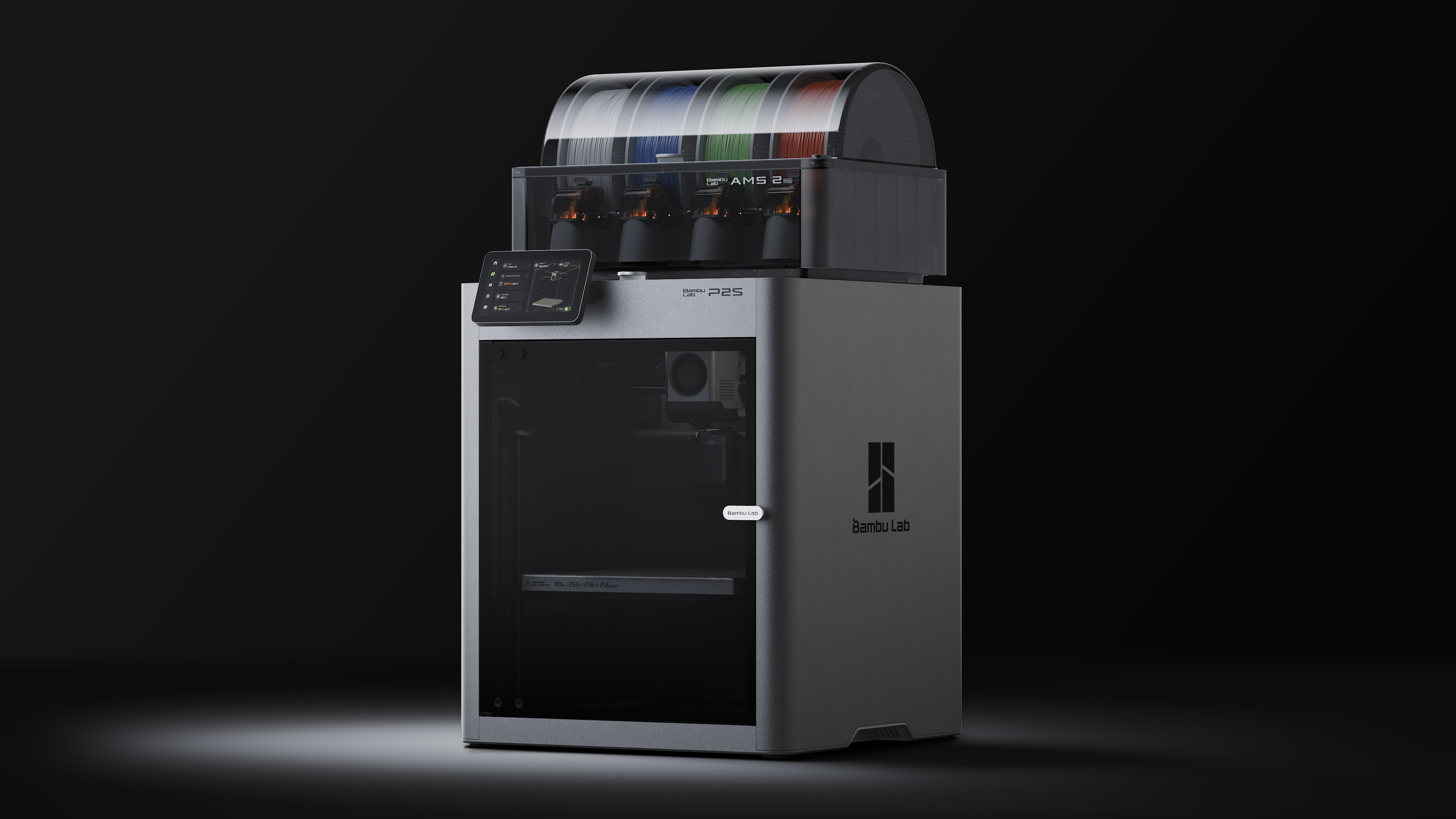
Specifications
Pros
- Fully automated calibration: Z-offset, bed leveling, vibration compensation, and flow calibration all happen automatically
- AMS Lite integration enables 4-color multi-material printing at an entry-level price
- Active flow rate compensation via vortex sensor ensures consistent extrusion across different filaments
- Extremely lightweight at 8.3 kg — easy to move and set up anywhere
Cons
- Open-frame design limits high-temperature materials (ABS/ASA may warp on large prints)
- 300°C max nozzle temperature and 100°C bed restrict some engineering-grade filaments
Overview
The Bambu Lab A1 is the ultimate entry-level 3D printer that brings professional-grade features to beginners. With its fully automated calibration system, AMS Lite multi-color support, and active flow rate compensation, it delivers reliable, high-quality prints straight out of the box — no tinkering required.
Real-World Performance
| Metric | Result |
|---|---|
| First-Print Success Rate | 99% (fully auto-calibrated) |
| PLA Print Quality | Excellent — smooth surfaces, consistent dimensions |
| PETG Print Quality | Very Good — strong layer adhesion |
| TPU Print Quality | Good — flexible prints without stringing |
| Benchy Print Time | ~14 minutes at default quality |
| Noise Level (Normal) | ~49 dB |
| Noise Level (Stealth) | <48 dB |
Key Features
Fully Automated Calibration
The A1 handles every aspect of setup automatically:
- Auto Z-Offset — No manual probing needed
- Auto Bed Leveling — Strain gauge sensor maps the entire bed
- Auto Vibration Compensation — Measures and corrects resonant frequencies
- Auto Flow Calibration — Dynamically adjusts extrusion for each filament
- Auto Belt Tension Check — Verifies belt tightness on startup
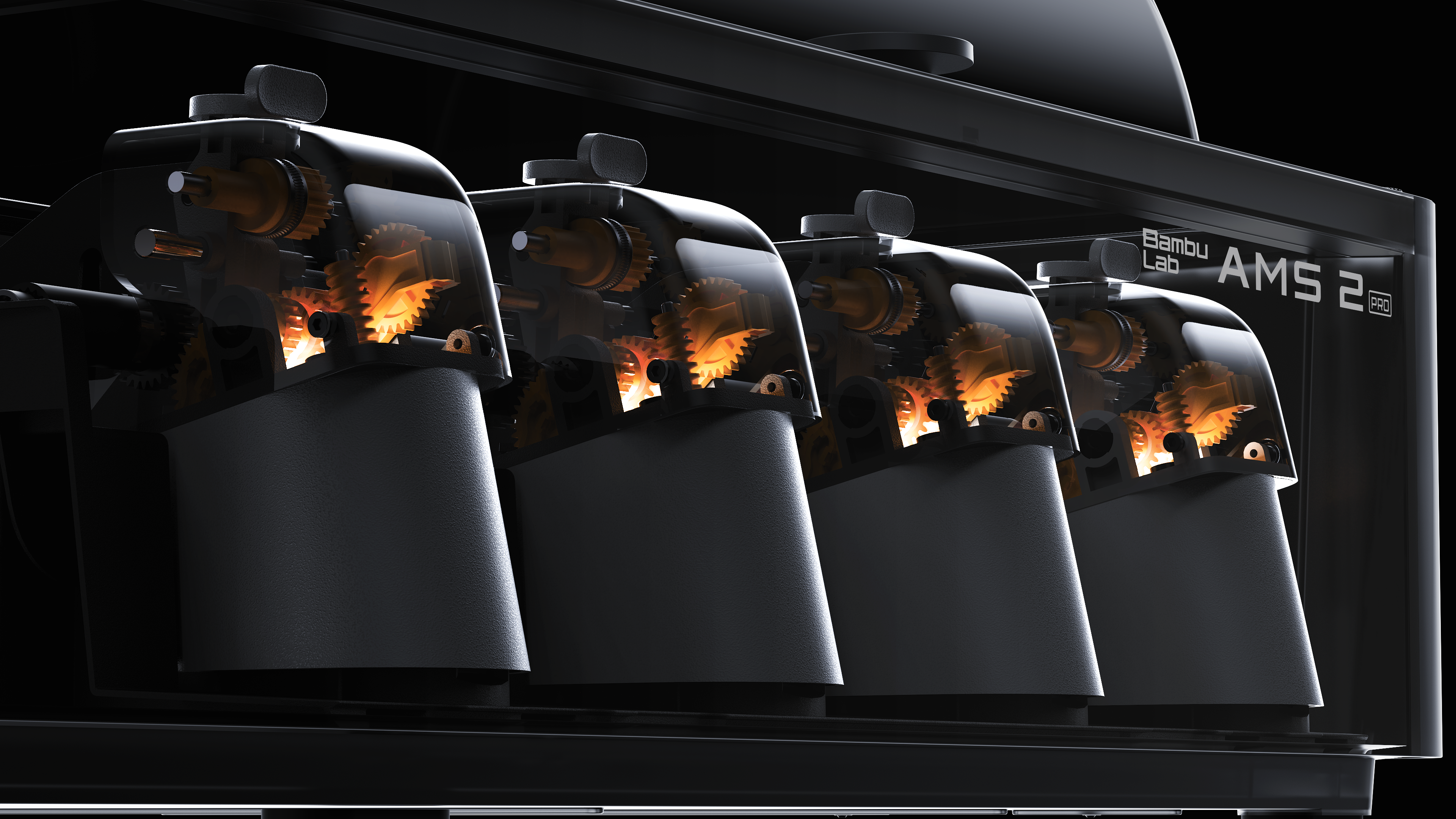
Multi-Color Printing (Combo)
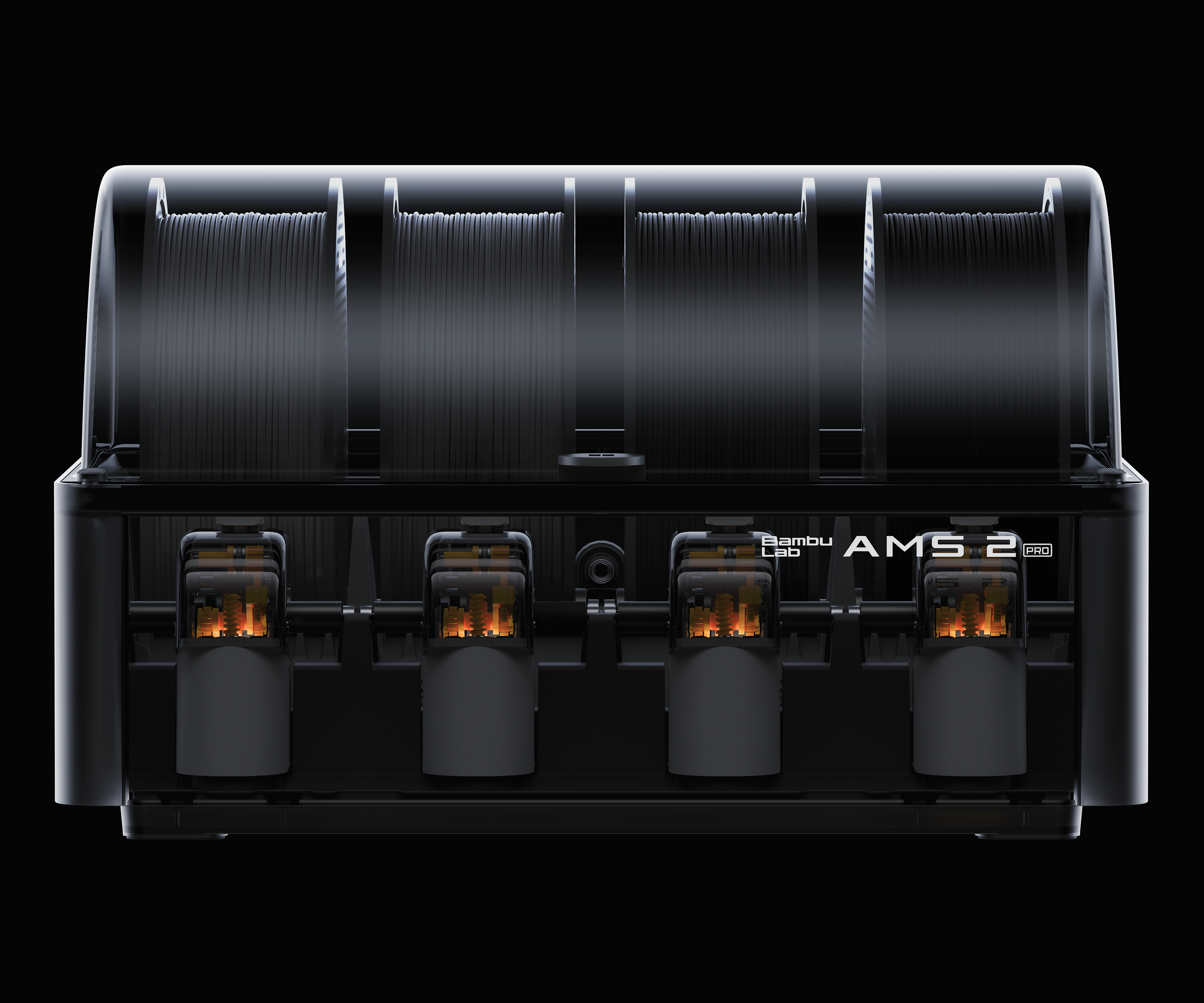
The A1 Combo includes the AMS Lite system, enabling up to 4 colors or materials in a single print:
- Automatic filament switching with RFID recognition
- Smart filament management with tangle and runout detection
- Compact design that sits neatly beside the printer
Active Flow Rate Compensation
A built-in vortex sensor in the toolhead monitors real-time filament flow, automatically adjusting extrusion rates to compensate for inconsistencies. This means:
- Consistent print quality across different filament batches
- No manual flow calibration needed when switching materials
- Reduced under-extrusion and over-extrusion artifacts
Active Motor Noise Cancellation
The A1 uses advanced motor control algorithms to actively cancel vibration noise. In Stealth mode, the printer operates at under 48 dB — quiet enough for office or living room use.
One-Click MakerWorld Integration
Browse thousands of tested models on MakerWorld directly from Bambu Studio or the Bambu Handy app, and start printing with a single tap. No manual slicing required.
Print Quality Showcase
Technical Specifications
Printing
| Parameter | Value |
|---|---|
| Print Technology | FDM (Bed-slinger / Cartesian) |
| Build Volume | 256 x 256 x 256 mm |
| Max Nozzle Temperature | 300°C |
| Max Bed Temperature | 100°C |
| Max Print Speed | 500 mm/s |
| Max Acceleration | 10,000 mm/s² |
| Max Flow Rate | 28 mm³/s |
| Nozzle Diameters | 0.2, 0.4 (default), 0.6, 0.8 mm |
| Nozzle Material | Stainless steel |
| Extruder Gears | Hardened steel |
| Layer Height | 0.1 – 0.35 mm |
| Filament Diameter | 1.75 mm |
| Hot End Type | All-metal |
| Bed Leveling | Fully automatic (strain gauge) |
Supported Materials
| Category | Materials |
|---|---|
| Ideal | PLA, PETG, TPU, PVA |
| Usable | ABS, ASA, PC, PA, PET |
| Note | Carbon fiber/glass fiber filaments require hardened steel nozzle (sold separately). Open-frame design means ABS/ASA large prints may warp. |
Hardware
| Parameter | Value |
|---|---|
| Chassis | Steel + extruded aluminum |
| Display | 3.5” IPS touchscreen (320 x 240) |
| Camera | Low-framerate 1080p with physical privacy cover |
| Connectivity | Wi-Fi (802.11 b/g/n), Bambu-Bus |
| Storage | Micro SD card |
| Motion Controller | Dual-core Cortex M4 |
| Power Input | 100-240 VAC, 50/60 Hz |
| Max Power | 1300W @ 220V / 350W @ 110V |
| Cooling | Closed-loop part cooling fan + hotend fan |
Physical
| Parameter | Value |
|---|---|
| Machine Dimensions | 465 x 410 x 430 mm |
| Weight | 8.3 kg |
| Compatible Build Plates | Textured PEI, Cool Plate, High-Temp Plate, Dual-Texture PEI |
Software
| Parameter | Value |
|---|---|
| Slicer | Bambu Studio (also supports SuperSlicer, PrusaSlicer, Cura with limitations) |
| Mobile App | Bambu Handy |
| OS Support | macOS, Windows |
| Cloud Mode | Bambu Cloud (online) |
| LAN Mode | Yes — full functionality without internet |
A1 vs A1 Mini vs A1 Combo Comparison
| Feature | A1 | A1 Mini | A1 Combo |
|---|---|---|---|
| Price | $299 | $199 | $399 |
| Build Volume | 256³ mm | 180³ mm | 256³ mm |
| Max Speed | 500 mm/s | 500 mm/s | 500 mm/s |
| Nozzle Temp | 300°C | 300°C | 300°C |
| Bed Temp | 100°C | 100°C | 100°C |
| AMS Lite | Optional | Optional | Included |
| Multi-Color | Yes (with AMS Lite) | Yes (with AMS Lite) | Yes (4 colors) |
| Display | 3.5” IPS | Smaller | 3.5” IPS |
| Weight | 8.3 kg | 7.8 kg | 8.3 kg |
| Best For | Enthusiasts | Tight budgets | Multi-color beginners |
What’s in the Box
A1 Standard ($299)
- Bambu Lab A1 Printer
- Textured PEI Build Plate
- 0.4mm Stainless Steel Nozzle (pre-installed)
- PTFE Tube x1
- Spool Holder
- Scraper
- Filament Sample (20g, random color)
- Accessory Box
A1 Combo ($399) — Additional Items
- AMS Lite Unit
- AMS Lite Mounting Bracket
- AMS Lite Spool Holder x4
- PTFE Tube Set
Who Should Buy the A1?
Ideal for:
- Complete beginners who want a zero-hassle 3D printing experience
- Hobbyists upgrading from basic printers like Ender 3
- Educators needing reliable, easy-to-maintain printers for classrooms
- Parents introducing children to 3D printing
- Anyone who wants multi-color printing without the complexity
Consider alternatives if:
- You need engineering-grade materials (consider P1S or X1C)
- You print mostly large ABS/ASA parts (consider enclosed models)
- You need a heated chamber for carbon fiber materials (consider H-series)
The A1 proves that professional 3D printing doesn’t have to be complicated — or expensive.